Project · home network and controller
RouteDome
VPN and routing control on MikroTik
RouteDome started with setting up my home network. I needed to use foreign services through a VPN, Russian resources directly and work networks through separate connections, all at once.
I chose a simple principle: all traffic goes through the VPN by default, and the necessary exceptions go direct. That way I don't have to add every new address of a foreign service to the tunnel separately.
- Status
- Running and evolving
- My role
- Author and developer
- Platform
- MikroTik RouterOS
Home setup
Already running in my home network:
- two internet providers with failover;
- a primary and a backup VPS;
- two tunnel types for each VPS;
- switching work network access between providers.
On my Linux laptop, the VPN home turns on automatically when it joins another network. If one home provider is unreachable, the second one is used.
The RouteDome controller
To share this setup, I started developing the RouteDome controller. It shows the state of connections, routes and the history of channel outages. The goal is to give users clear control without setting up every rule in RouterOS by hand.
Failover already works in my network. Some scenarios for managing it from the controller are still in progress, including the multiple internet connections wizard.
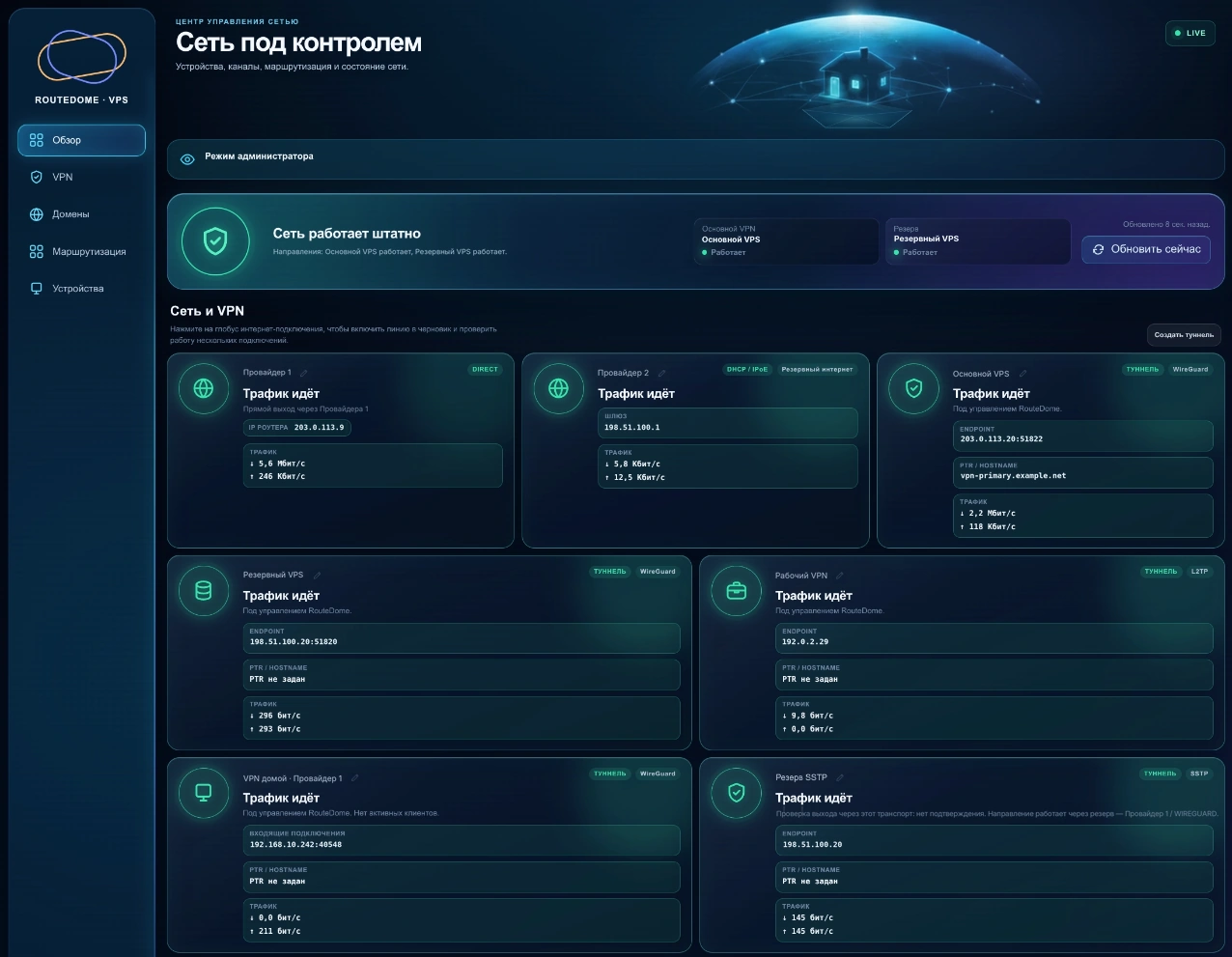
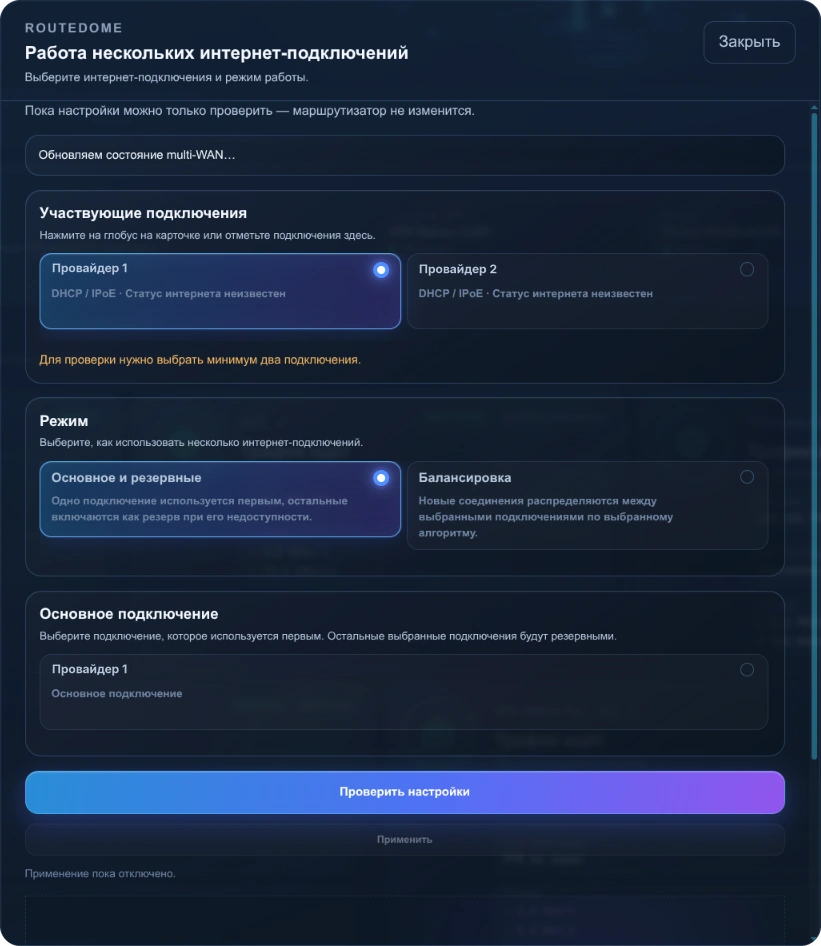
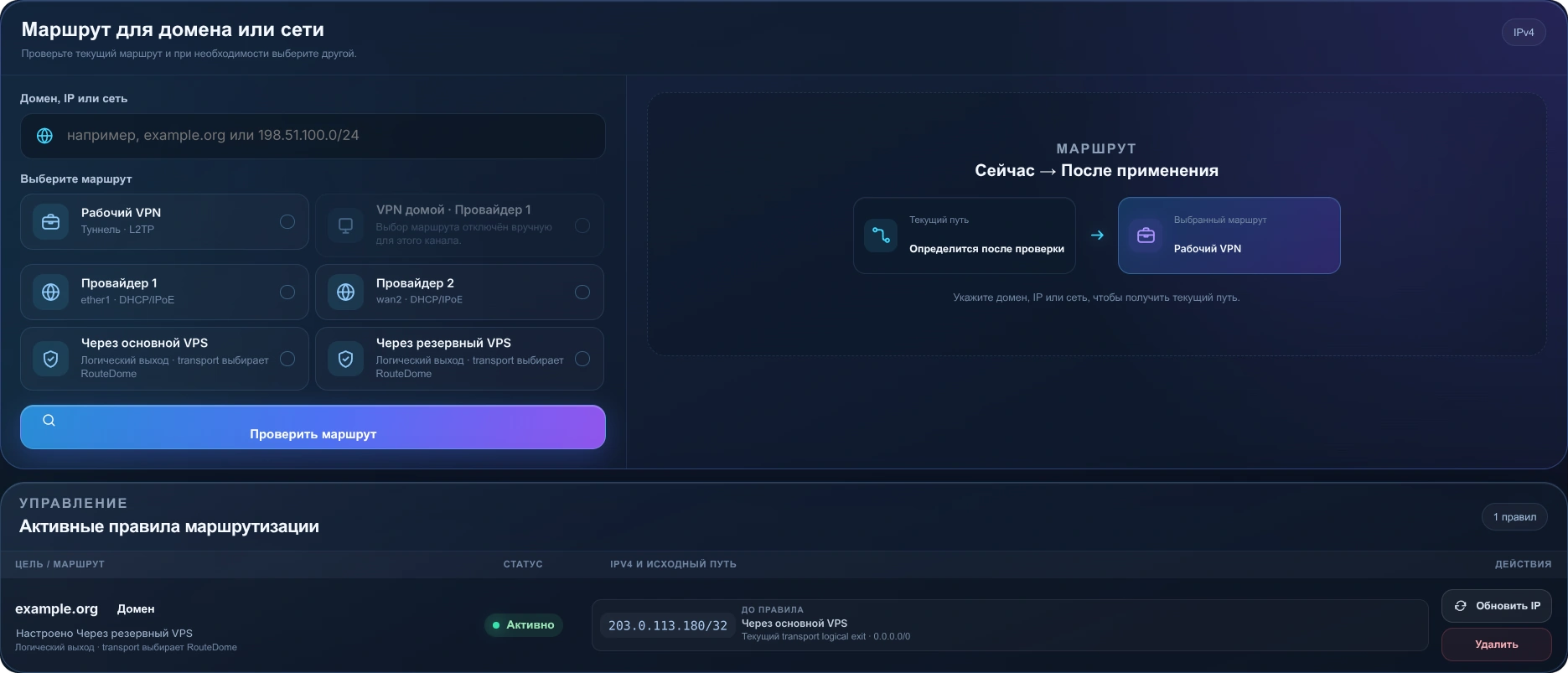
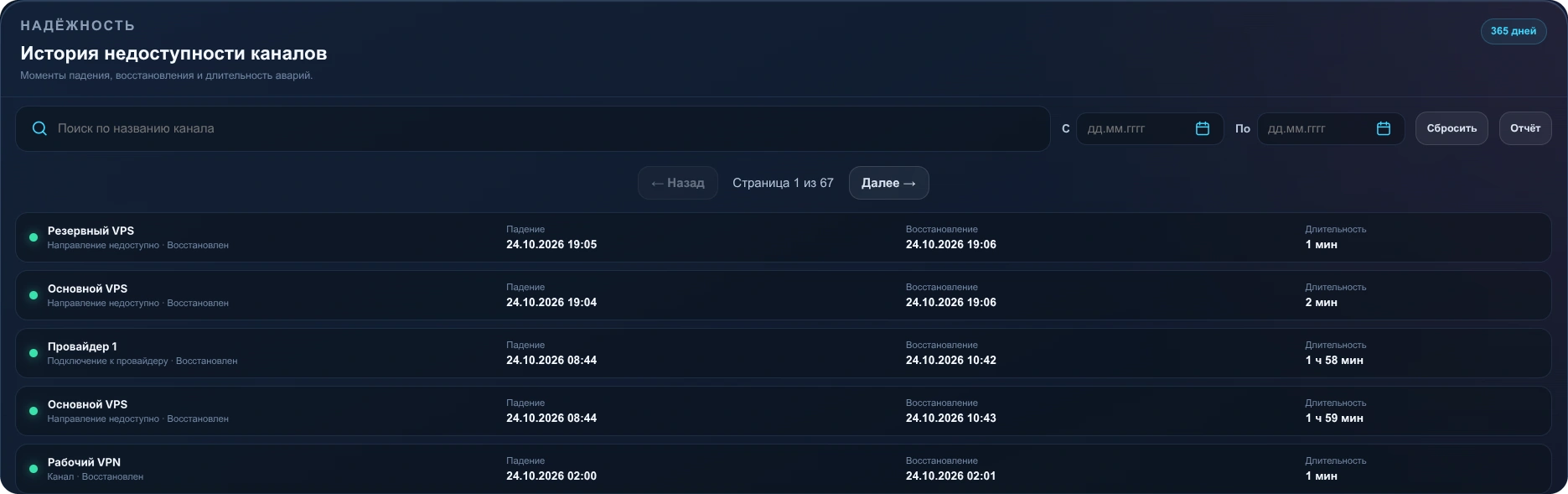
Interface of the working controller. Addresses, connection names and other identifying data have been replaced.
What's next
I work on the project in my spare time from my main work. Next up: automated Docker setup for additional protocols, further failover work and simpler initial setup.